Configuration
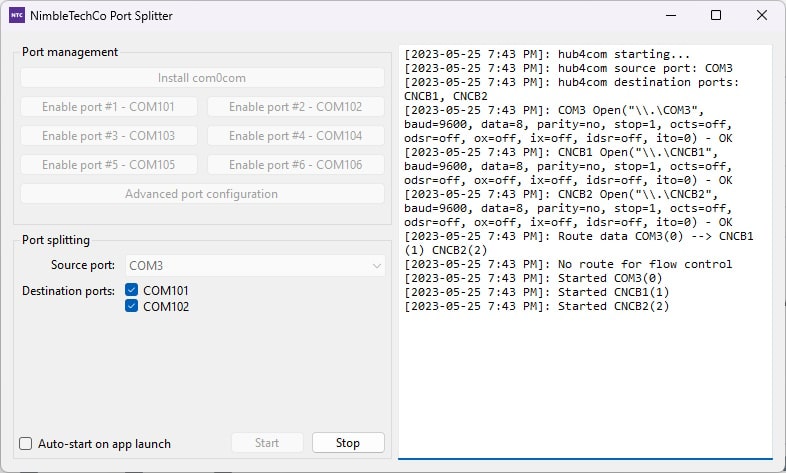
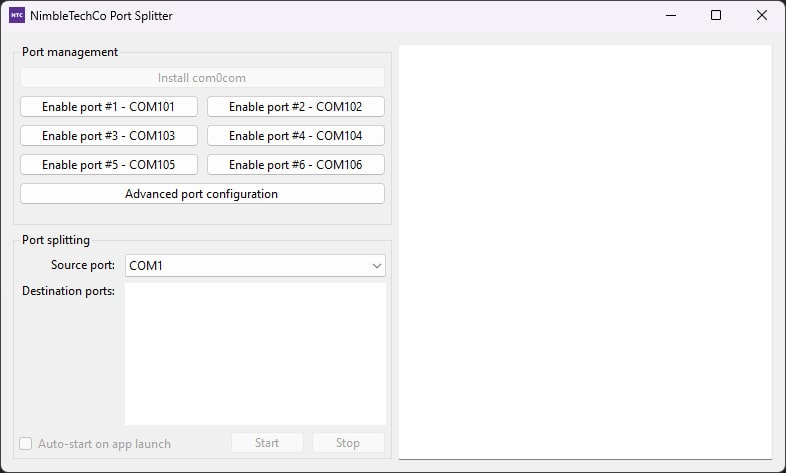
Once the NimbleTechCo Port Splitter has been installed, the user will be presented with the following window:
Configure virtual serial ports
The first thing to do is to create some virtual serial ports for your applications to use. You will need one virtual serial port for every application that you want to use.
Up to six ports can be configured using the 'quick configuration' UI, by clicking on the respective "Enable Port X - COMX" buttons. If you need more than six, the "Advanced port configuration" button can be used.
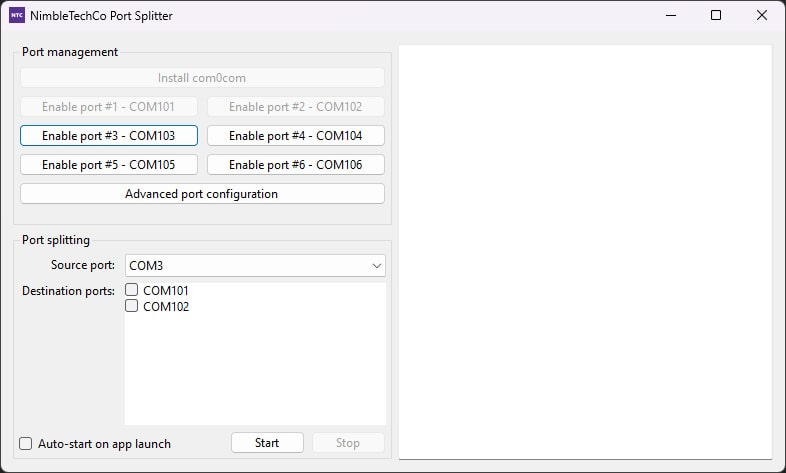
Once this process is complete, the application will look like this:
Select the input port
Next, you need to choose the source port. This is the port that will have its incoming data replicated to the virtual serial ports configured above. Choose this port from the "source port" drop-down, and then choose the destination ports (as configured above) from the checkbox list. Once you are satisfied with your selection, click Start.
At this point, the application is completely configured, and the port splitting should be working.