Common errors and suggested resolutions
This sections describes a number of common 'error messages' that the user may encounter.
Invalid configuration
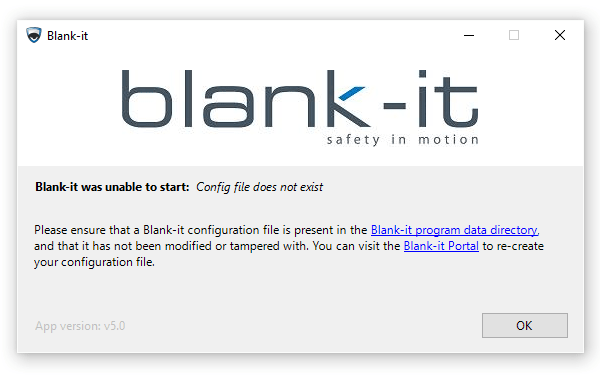
This error message indicates that Blank-it was launched with either a missing or corrupt configuration file.
The issue can be resolved by downloading a fresh copy of the desired configuration file from the Blank-it portal, and copying the configuration file into the Blank-it configuration directory.
Invalid license
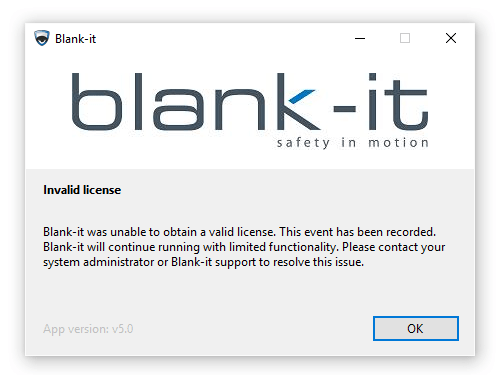
or
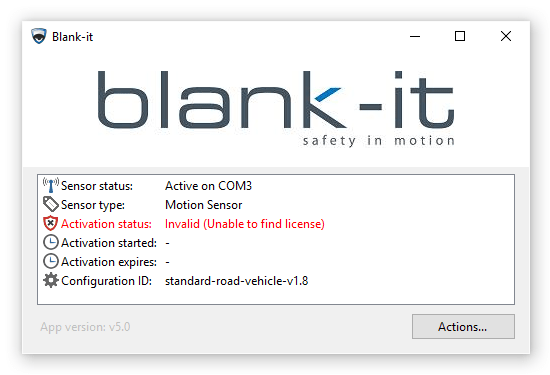
These error messages indicate that Blank-it was launched without a valid license.
The issue can be resolved by obtaining a new license from the server:
- Ensure that your current Blank-it license has not expired.
- Ensure that the PC is able to access
gateway.blank-it.comover port 443. - Ensure that the PC's system clock is set to the correct date and time.
- Press the 'Actions' button followed by the 'Refresh License (online)' button.
Activation expired
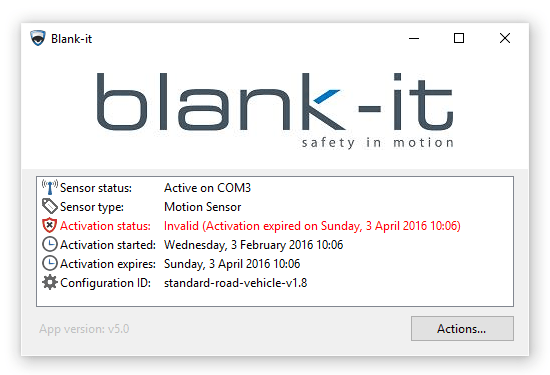
This error message indicates that the license activation on the PC has expired.
The issue can be resolved by obtaining a new license from the server:
- Ensure that the PC is able to access
gateway.blank-it.comover port 443. - Ensure that the PC's system clock is set to the correct date and time.
- Press the 'Actions' button followed by the 'Refresh License (online)' button.
System clock has been tampered with
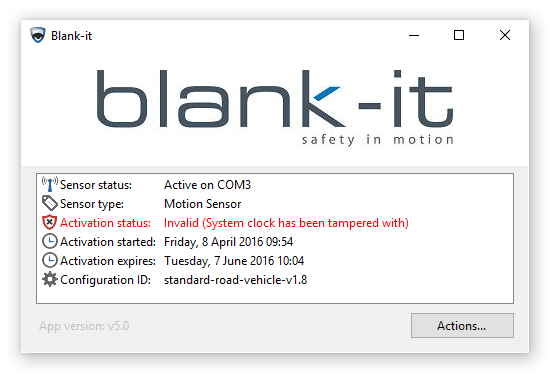
This error message indicates that the PC's system clock has been tampered with.
The issue can be resolved by fixing the system clock and obtaining a new license from the server:
- Ensure that the PC is able to access
gateway.blank-it.comover port 443. - Ensure that the PC's system clock is set to the correct date and time.
- Press the 'Actions' button followed by the 'Refresh License (online)' button.